
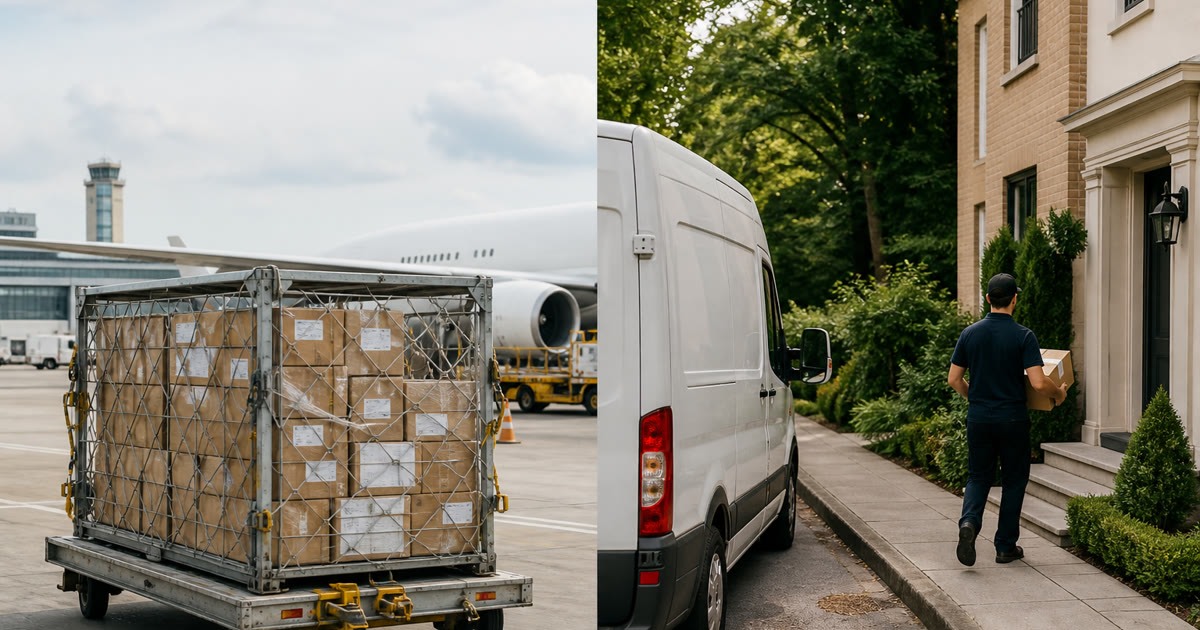
Arrived at Destination Country vs Out for Delivery
“Arrived at destination country” means a handling scan says the parcel reached the destination market. It does not mean the parcel is on a truck to your door. Track the current events on CNUSUP and read the latest three scans before you contact the seller.
This page compares common international statuses so you can tell progress from last-mile action. It cannot replace the named carrier when a delivery attempt, customs request, or pickup notice appears.
Direct answer#
| Status you see | What it usually means | What it does not mean |
|---|---|---|
| Arrived at destination country / arrived in destination | The parcel has an inbound or arrival scan in the destination market | Customs finished, local courier assigned, or out for delivery |
| Customs clearance / import processing | Entry or clearance work is in progress or recorded | Doorstep delivery today |
| Handed over to local carrier / last-mile partner | A destination provider accepted the bag or parcel | A successful delivery attempt |
| Out for delivery / OFD | The last-mile carrier says the parcel is on a delivery run | Delivery is guaranteed that day if the attempt fails |
| Available for pickup / at locker or pickup point | The parcel is waiting at a named location | Someone has already collected it |
If only “arrived at destination country” is visible, treat the journey as unfinished. Keep waiting for customs, handoff, or last-mile scans unless the seller or carrier asks you for documents.
Why destination arrival and out-for-delivery are different stages#
Cross-border Cainiao-linked orders often move through export, line-haul, destination arrival, import handling, local handoff, and final delivery. Cainiao’s own overseas local capabilities description separates local delivery and lockers from the earlier cross-border path. An arrival-in-country scan sits before those last-mile steps.
Out for delivery is a last-mile event. It normally appears only after a local postal operator, courier, or pickup network has the parcel and schedules a run. For how a new carrier name can appear, see when a Cainiao parcel changes to a local carrier.
How to read your timeline#
- Save the original CAINIAO, CNUSUP, LP, GLO, or seller number and any later local number.
- Find the first destination-country scan and its timestamp. That is arrival evidence, not delivery evidence.
- Look for customs, clearance, or document requests on the marketplace order page and the official carrier site.
- Look for a named local carrier, locker, or pickup-point scan. That is closer to final delivery.
- Treat “out for delivery” only when that phrase, or the local carrier’s equivalent, appears on the official last-mile record.
A frozen gap after destination arrival is common while import handling or a hub transfer runs. Use why package tracking stops updating if the page has not moved for several days.
What to do next#
- If the seller promised a delivery window, count from the first confirmed acceptance or collection scan, not from payment alone. See Cainiao Europe delivery windows for product-range context.
- If customs or duties may apply, use the international customs-clearance guide. For US-bound China parcels, see US postal de minimis rules. For EU-bound AliExpress or Cainiao parcels after 1 July 2026, see the EU €3 duty explainer.
- If a pickup point or locker scan appears, follow how to read Cainiao pickup and locker tracking.
- Do not pay fees from an unexpected text. Open the marketplace or carrier site yourself.
CNUSUP can help you read the sequence. It cannot clear customs, reassign a courier, or confirm a delivery appointment.
Sources#
- Overseas local capabilities, Cainiao, accessed August 21, 2026.
- Cross-border express delivery, Cainiao, accessed August 21, 2026.